
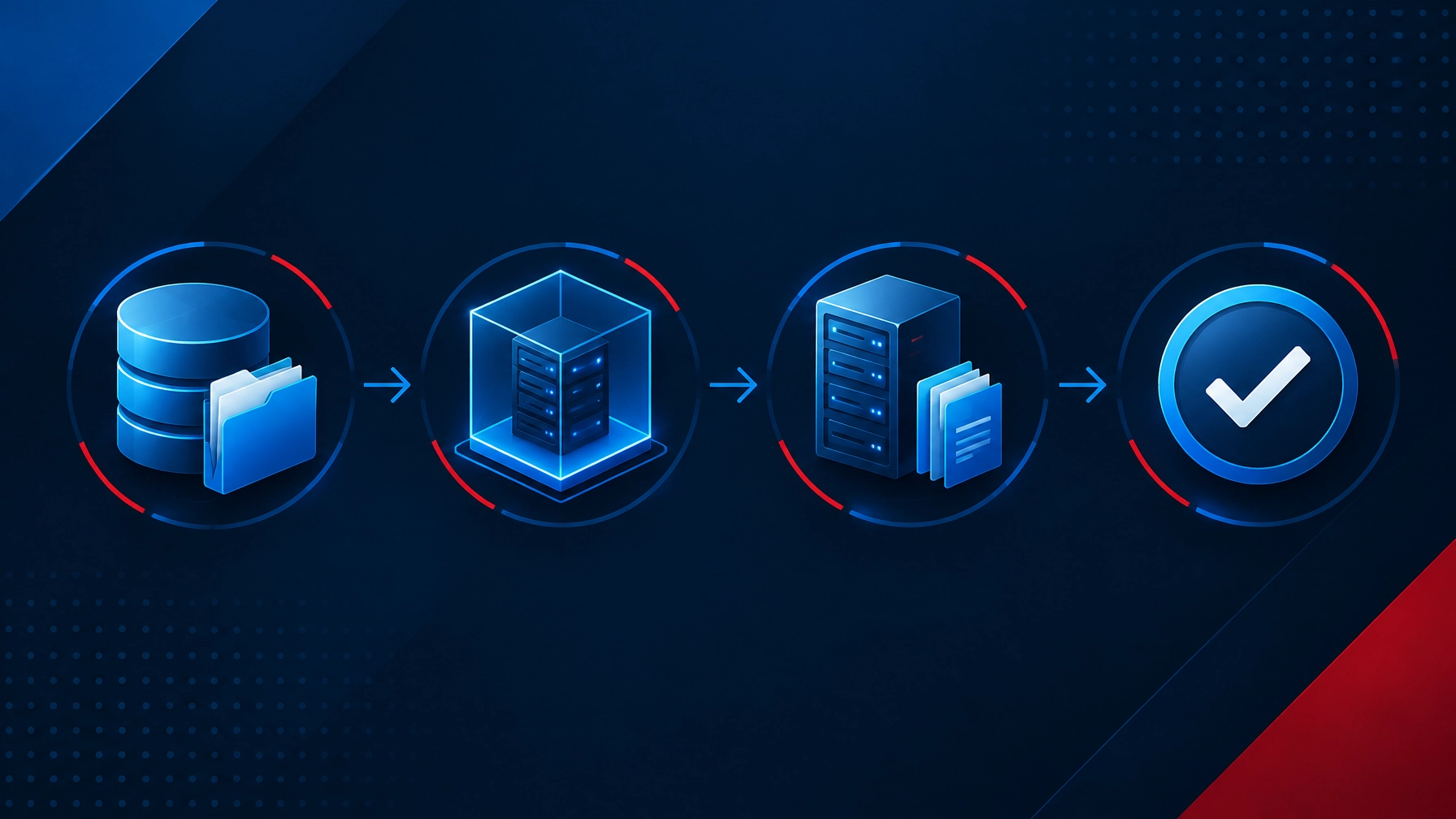
The backup job reports success. The dashboard is green. But nobody has restored a file, mailbox, or server in a year.
That is not a recovery guarantee. It is a record that a job reported success.
Recovery without a working backup can take weeks, and sometimes it never happens. CISA's small business backup guidance points out that ransomware figured into 44% of the breaches in Verizon's 2025 Data Breach Investigations Report, and calls backups the best hope of recovery from one. That is only true if the backup restores.
Backup and restore testing is how you find out whether your data can actually come back, whether the credentials are available, and whether recovery takes hours or days. That is why a restore belongs on your maintenance calendar next to the mundane fixes, and not on the list of things you plan to get to after the next incident.
Know what a green status does not tell you
A successful backup job does not prove that you can recover the right data, at the right time, with the access you will have during an incident. Four failure modes are particularly easy to miss until someone tries to restore.
- The jobs stopped, but nobody noticed. An alert may go to an unattended mailbox, or job failures may not be escalated to a person. The dashboard can look reassuring while recent recovery points are missing.
- The keys are in the same place as the problem. Restore credentials or encryption keys may live on the server or in the account directory that has been compromised. You have backup data, but cannot access it independently.
- The backup is in the blast radius. A NAS joined to the same domain, controlled by the same administrator login, or reachable from the same environment may be exposed to the same ransomware event as production systems.
- Retention is too short. If you discover corruption or unwanted changes after your clean recovery points have expired, the backup may faithfully preserve only the damaged state. CISA's guidance suggests testing that you can roll back at least seven days. Treat that as a floor and set retention from how long it would realistically take your team to notice the damage.
CISA’s #StopRansomware Guide recommends keeping offline, encrypted backups of critical data and regularly testing their availability and integrity in a disaster recovery scenario. Its small and medium business backup guidance also explains the 3-2-1 rule: keep three copies of important data, on two types of media, with one copy off-site. Where practical, make that off-site copy immutable or offline so routine access cannot change or erase it.

Run the tests in stages
Start with a narrow restore, then increase realism. Use a non-production destination where possible. Do not overwrite live data just to prove a test worked.
Before each test, agree on the scope and the person who will decide whether the result is usable. Include an IT contact or provider, the owner of the affected data or application, and a business decision-maker who can confirm what the team needs to function. For a full recovery rehearsal, include anyone responsible for communications and critical business operations.
1. Restore a file quarterly
Ask a non-admin employee to choose a representative file they are authorized to access. Have the IT contact restore it to a separate test location, then ask the employee to open it and confirm that it is the expected file and version.
- Pass: The employee can access and verify the correct file, and the elapsed time is recorded.
- Fail: The file is missing, unreadable, the wrong version, or cannot be restored without an unexpected access or credential blocker.
This is a low-cost check that tests more than a backup console. It checks whether the person who needs the file can get it back.
2. Restore a mailbox
Select a mailbox and a small, known set of messages or folders. Restore them to a test mailbox, alternate location, or other safe destination that does not disturb live mail. Ask the mailbox owner to verify the contents and access.
- Pass: The agreed messages or folders are present, readable, and available to the intended user.
- Fail: Items are absent or incomplete, the restore destination is unclear, or the user cannot access the restored material.
Mailbox recovery has its own permissions and workflow. A successful file restore does not prove that email recovery works.
3. Restore a server or critical application in isolation
Choose one business-critical server or application. Restore it into a controlled, isolated environment rather than reconnecting an unverified system to production. Confirm that the system starts, required data is present, and the application’s essential function works. Identify dependencies such as identity services, databases, network access, or licensing before the test begins.
- Pass: The restored system starts in isolation, the application performs its agreed critical function, and the team documents any steps needed before production use.
- Fail: The system will not start, dependencies are missing, data is inconsistent, or recovery requires access that would not be available during an incident.
If you rely on remote IT support or managed IT services, agree in advance who can access the isolated environment and who approves any change to production.

4. Rehearse fuller recovery annually
Once a year, run a broader recovery rehearsal based on the systems your business needs to resume operations. Define a time target before starting. Set it from your business requirements, not from a guess or a vendor’s best-case estimate. Record whether the team meets it and what gets in the way.
Walk through recovery in the order the business would need it: for example, identity and access, core applications, shared data, and user devices. The actual order depends on your environment and application dependencies. Keep the exercise controlled; this is a recovery rehearsal, not an invitation to disrupt live systems.
- Pass: The team restores the agreed scope, validates the essential business functions, and meets the defined time target.
- Fail: The target is missed, a critical dependency is unknown, access is unavailable, or the business cannot confirm that restored systems are usable.
Record the result on one page
Create one page per test. Keep it simple enough that someone will update it, but detailed enough to be useful when you need to repeat the work.
Record:
- Date and scope: What data, mailbox, application, or system was tested?
- Elapsed time: When did the test start, and when was the restored item verified?
- Blockers: What was missing, confusing, inaccessible, or broken?
- Who was paged: Who received an alert or had to join the recovery?
- Action items and owner: What must change, who owns it, and when will it be checked?
This page becomes your findings log. It is useful for your own operations and is also the kind of evidence insurers and auditors may ask to review. Keep it with the recovery documentation, not only in an employee’s inbox.

Use findings to improve the backup setup
A test is valuable when it changes something. If you uncover a gap, update the process and retest the affected step. Review whether your setup has:
- Human-reviewed failure alerts: Route failed jobs to a named person and define what happens if they do not acknowledge the alert.
- Separate credentials and out-of-band access: Keep restore access and encryption key information available independently of the systems being protected. Restrict access and document who is authorized.
- An immutable or offline copy: Make sure at least one recovery copy is outside routine administrator access and the likely ransomware blast radius.
- Retention that fits detection time: Keep recovery points long enough to cover how long it could take your team to discover damage, not just how often backups run.
- A documented recovery order: List what comes back first, which services depend on other services, and who confirms that each step is ready for business use.
These are practical business IT risk controls, not dashboard decorations. They make the difference between having backup files and having a recovery process.
Find the broken restore on a Tuesday
The goal is not to pass every test. The goal is to find the broken restore on a Tuesday afternoon, when your team has time to fix the credentials, alerts, retention, or recovery steps, instead of during an outage.
For more useful planning, the IT Downtime Cost Calculator is a worksheet for annual downtime exposure from employee cost, revenue impact, and recovery cost. The Shadow AI Risk Self-Assessment has 10 questions on AI governance, data exposure, and security controls. Both resources are in final preparation. Links are coming.
For PWP SYSTEMS clients, the Customer Portal is where tickets, status, and documentation live. Use the Support Portal to access support and submit a ticket. The portals do not perform backups or restore testing. They help keep the related support work and records accessible.
The one-page version
- Test a file restore with a non-admin every quarter.
- Add a mailbox restore and an isolated server or application restore to the schedule.
- Run a fuller recovery rehearsal once a year against a time target your business defines.
- Record scope, elapsed time, blockers, who was paged, action items, and an owner.
- Fix the gaps, then test again. A green status alone is not proof of recovery.
